SmartKey Connected Car Rental with Mobile Pick-up
Open your car from your mobile without going to the counter and without waiting. Gain time for your trip!
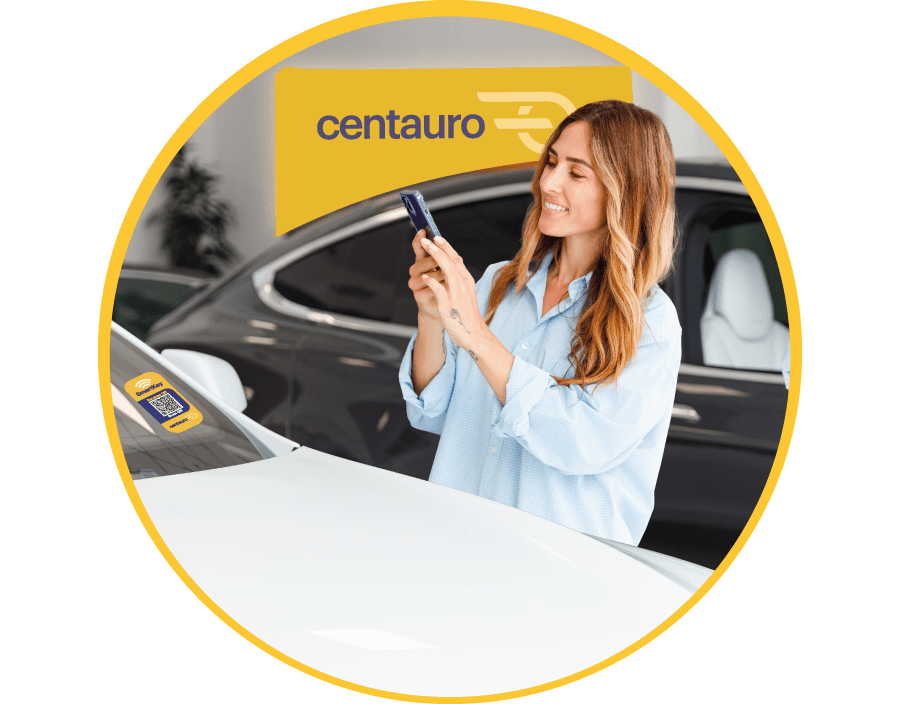
We know how much you value your time when renting a car, that's why at Centauro we've created SmartKey: the automatic pick-up service with which you start your rental and access your car with just one click on your smartphone, without going to the counter and without waiting.
Everything starts by choosing a SmartKey connected car

How do I rent a car with SmartKey?
Very simple. Select the destination and the dates you're going to travel, and choose a connected car model with SmartKey. For you to select it, there must be SmartKey cars available at the office you choose.
How do I pick up my SmartKey connected car?

1. Go directly to the car park
Start the pick-up process from your mobile by accessing your customer account, and we'll tell you which space your car is in.
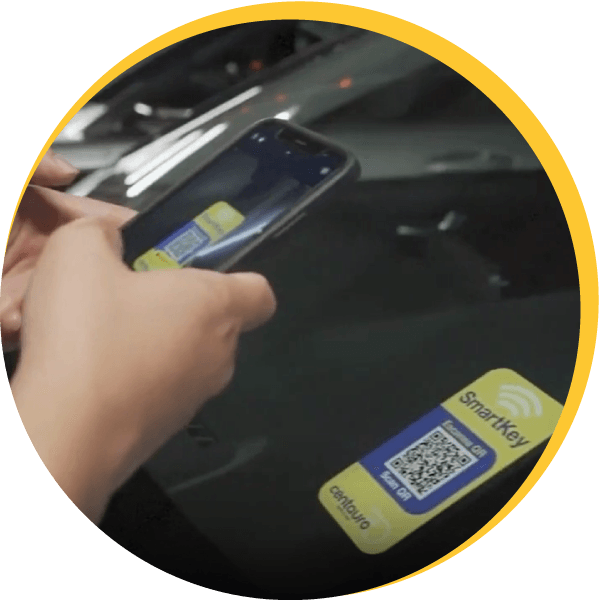
2. Scan the QR code on the windscreen
Scan the QR code of the assigned car and open it. Your adventure begins here, #Roadlover!
What do you need to do before picking up a SmartKey connected car?
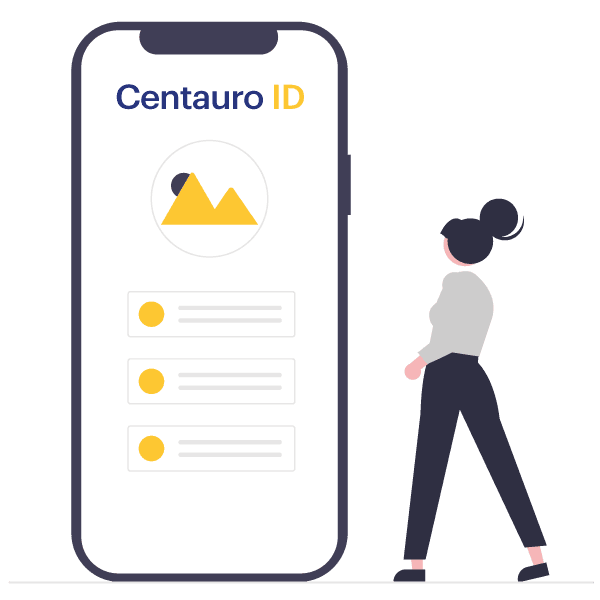
Create your Centauro ID ✅
It only takes 2 minutes, the time it takes to take a photo of your documentation. And you'll always be virtually identified in all your rentals with Centauro.

Pay for fuel ✅
After returning the car, we'll automatically refund the amount of fuel you haven't used.